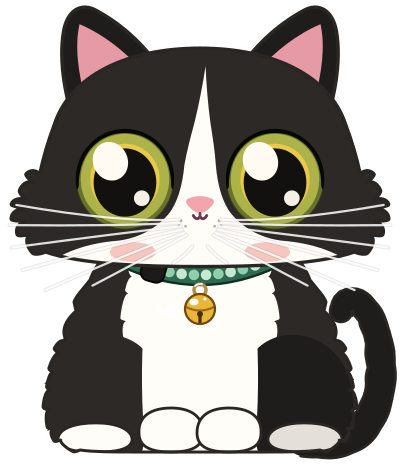
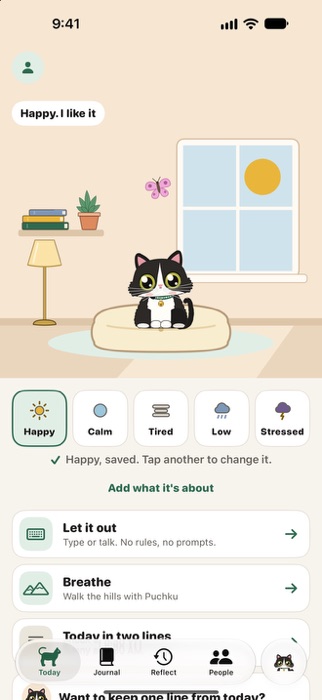
Tap how you feel
Happy, Calm, Tired, Low or Stressed. One tap is the whole check-in.
- Each feeling is a weather, and the window in Puchku's room turns to match. He looks up, walks over and answers with his body.
- Add what it's about if you like: sleep, work or school, friends, family, body or money, and a closer word for how you feel.
- Tap again whenever it changes. Miss a day and nothing breaks.
Check in from anywhere
Widgets on your Home Screen and Lock Screen, Control Center, Siri and Shortcuts (“Check in with Puchku”), the Action button, or one tap on Apple Watch.
Let it out
Type it like texting yourself, or say it in a voice note. Nobody answers. It's just for you.
- Tap Puchku's round button at the end of the tab bar, wherever you are in the app.
- Voice notes are turned into text on your device, never online.
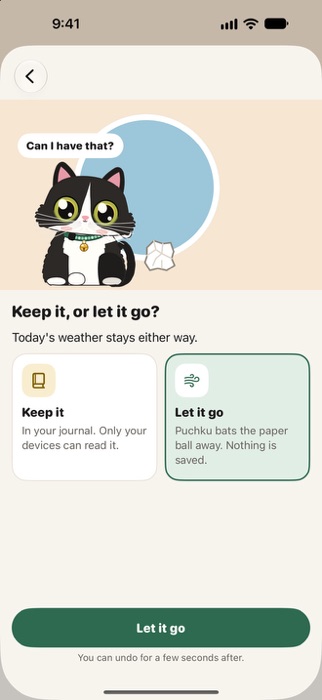
- When you're done, keep it in your journal, or let it go: the words crumple into a paper ball and Puchku bats it away. You can undo for a few seconds.
- Today's weather stays either way.
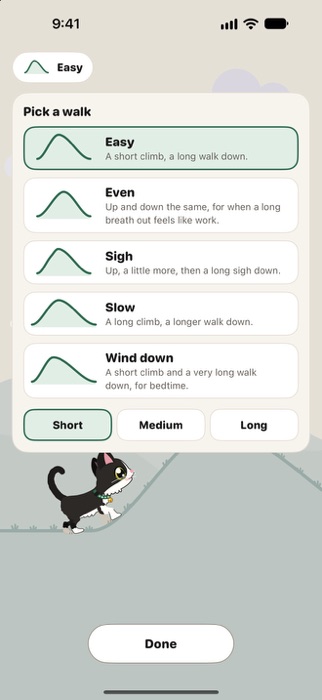
Breathe over the hills
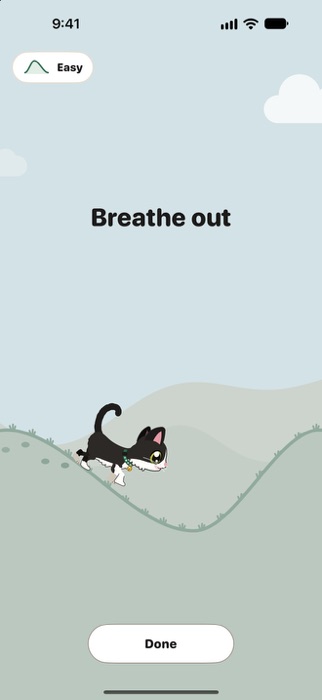
Puchku walks over the hills and breathes with you. Up a hill, breathe in. Down the other side, breathe out.
- The sky starts as your weather and clears a little with every breath out, until he sits down with you in the sun.
- Five walks: Easy, Even, Sigh, Slow, and Wind down for bedtime. Each one Short, Medium or Long.
- Feel it with your eyes closed. On iPhone, a soft swell on the way up and his purr on the way down. On iPad, his purr.
- No clock, no count, no holding your breath.
- Start from Today, from Control Center, or ask Siri to breathe with Puchku. After you tap Stressed, he asks, “Come walk with me?”
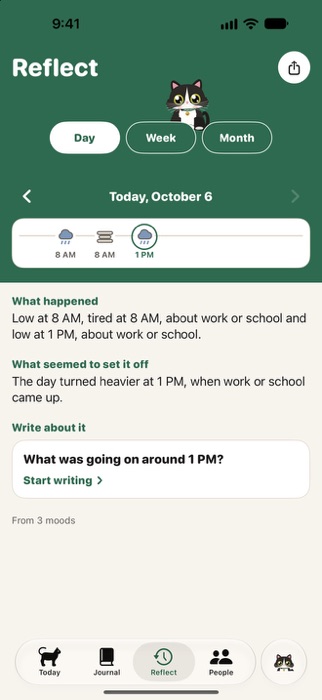
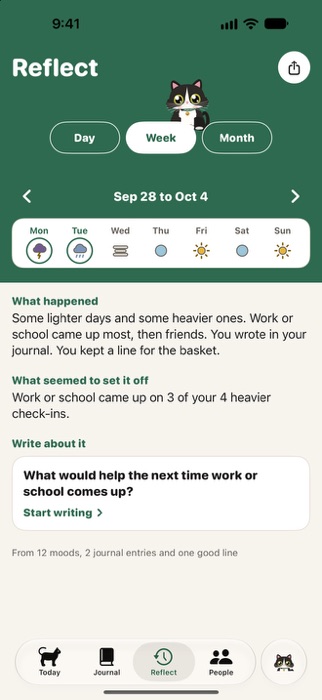
Reflect
Your day, week and month on one page: what happened, what seemed to set it off, what you can take from it, and a question to write about.
- A strip of your check-ins up top: a day's moods with their times, a week's seven days, a month one stripe a day.
- It comes from your check-ins and, while your journal is open, your vents, entries and voice notes. Your breathing walks count too, and whether your next check-in was lighter.
- Tap the question and your journal opens with it, ready to write.
- Share it with a friend, picking every part first, or add it to the PDF you make for your therapist.
Written on your device
With Apple Intelligence on, Apple's on-device model writes it: a week from its days, a month from its weeks. Every part shows where it came from and is checked before you see it. It never gives advice and never says one thing caused another.
Without Apple Intelligence, Puchku puts it together from your check-ins.
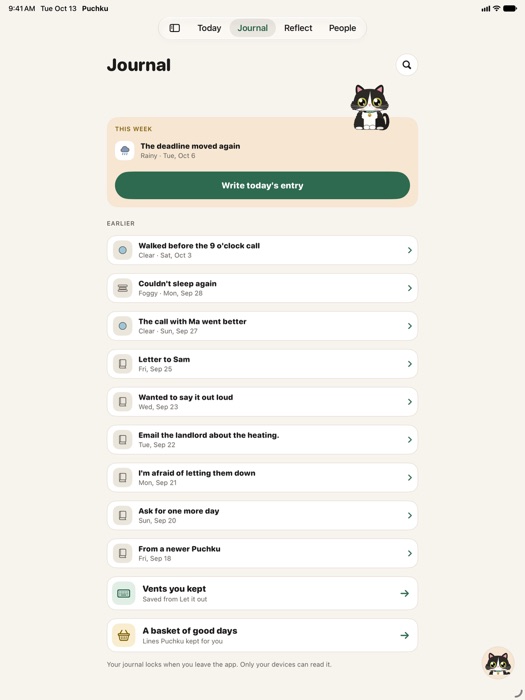
Your journal
Write today's entry, keep the vents you chose to keep, and gather good days in a basket.
- On a happy day, Puchku may ask to keep one line. On a low day, he brings one back out.
- Voice notes show what they said, as text. Search finds your words, typed or spoken.
- Every entry is sealed on your device, and the journal locks when you leave. One Face ID or Touch ID opens Puchku and your journal together.
Make him your pet
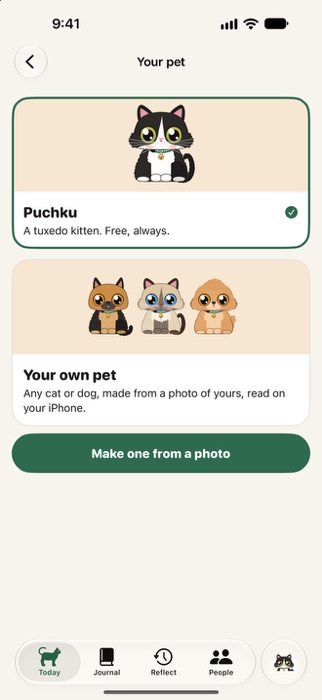
Have a pet of your own? Make Puchku look like them: pick from 24 cats and dogs, or start from a photo.
- The photo is read on your device, then deleted. It's never uploaded.
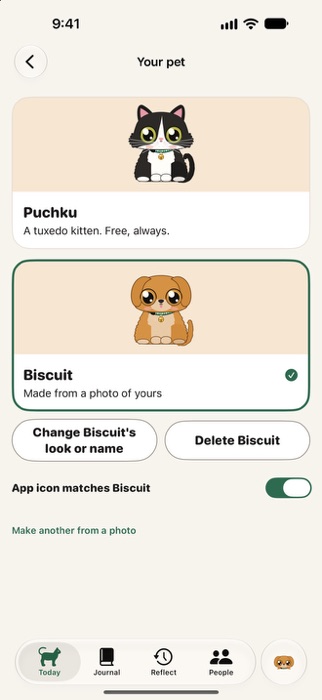
- Change any part by hand, and give your pet a name.
- Your pet is drawn in Puchku's style, with every pose and gesture: in the room, on the hills, by your Mac's notch and on your Apple Watch.
- Free, like everything else. Go back to Puchku whenever you like.
The app icon follows your pet
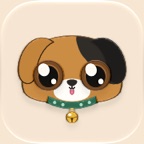
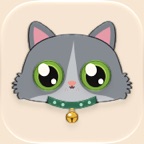
On iPhone and iPad, Puchku's icon changes to match your pet. One switch brings Puchku's own icon back.


Stickers in Messages and WhatsApp
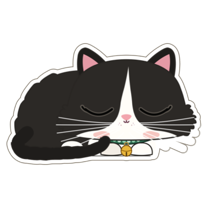
Sixteen stickers of Puchku, and of your own pet once you make one: the five feelings and eleven poses. They're in Messages, and you can add them to WhatsApp from Me.




His room, and his ways
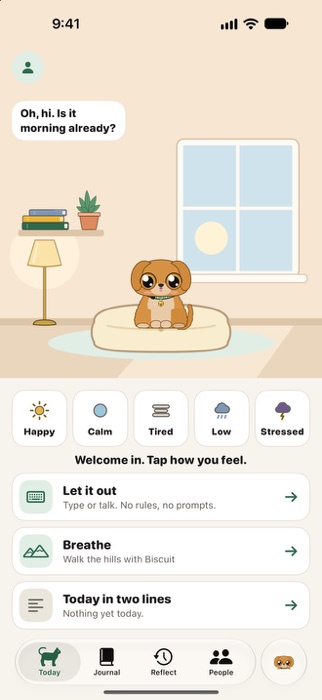
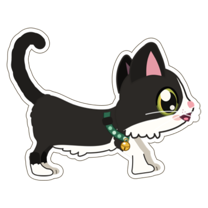
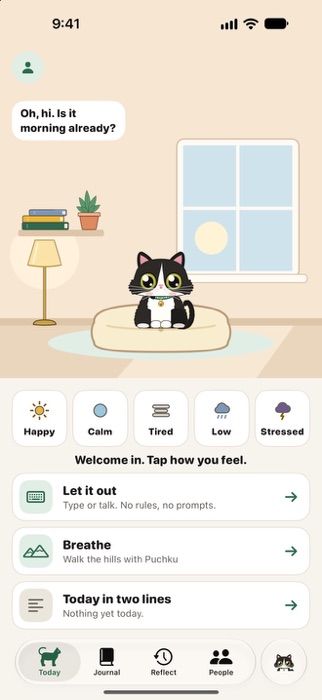
Puchku lives in a little room at the top of Today. Tap him to say hello, stroke him, or pick him up and set him down.
- He answers what you do: a slow blink when you're low, a big yawn when you're tired, a purr and a lean when you're stressed, a pounce when you're happy.
- He tilts his head while you type or speak, waves the first time you open Puchku each day, and stretches when your week is done.
- The room follows the time of day, from morning to night, and he curls up to sleep at bedtime.
- Your weather shows in small ways: sun on the floor and a butterfly on a happy day, the lamp on when it's gray, a mug of tea when it rains.
- With Reduce Motion, he only blinks.
Sounds and music
Short, soft meows and purrs, one at a time. They follow the Silent switch and stay quiet at night.
Music for calm: three tracks made for Puchku, in the app and never streamed. Rain on the window, Slow morning and Night lamp, with a sleep timer that fades out.
With your people
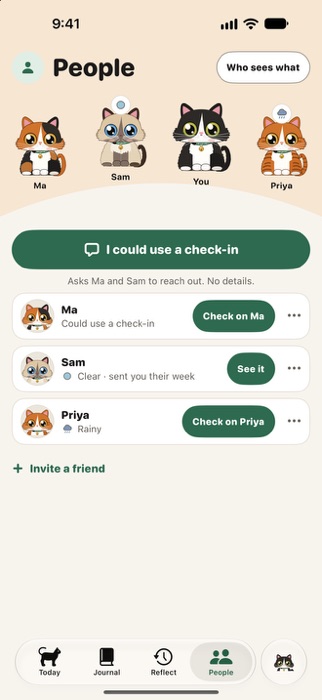
Friends see your weather, and your words only if you share them.
- Everyone's pets on one hill, each with their weather. Hide my mood today is one switch.
- Send a heart and your pet carries it over.
- Ask the people you choose for a check-in, with no details.
- Send a friend your day, week or month, picking every part first.
- Invite a friend with a link. No account needed.
For your therapist
Bring a PDF to your therapist: you choose what's in it, see every page, and share it yourself.
It's made on your device, with only what you pick.
On every Apple device
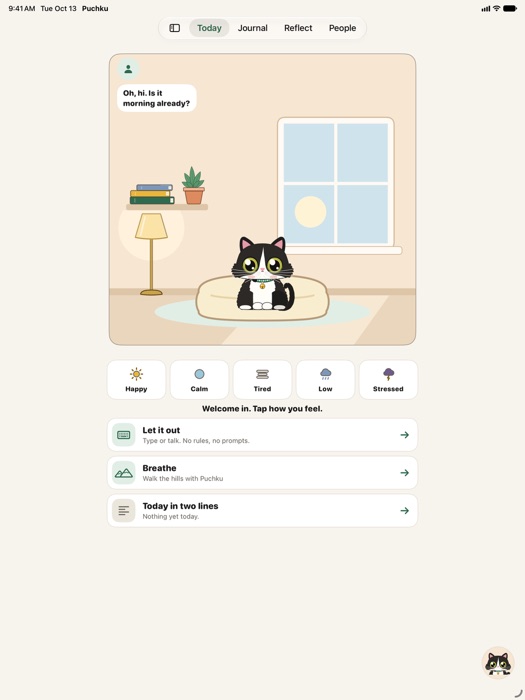
One Puchku on all of them.
Your iPhone, iPad and Mac stay in step, end-to-end encrypted. Apple Watch checks in with one tap.
-
iPhone and iPad
Puchku on your Home Screen and Lock Screen. His widget has a day of its own, from a morning stretch to a nap at night. Tap him to pat him.
On a wide iPad, his room sits beside your day, with a sidebar for the rest.
-
Mac
Puchku walks along the bottom of your screen, and the notch is his den. Click him to open his room, with all of Puchku inside.
He goes home to the notch for calls, full-screen apps and the night, or whenever you bring him home.
-
Apple Watch
Two seconds on your wrist: one tap checks in, and Puchku answers. Today's check-ins show as weather, and his face sits on your watch face.
The Watch keeps no words.
-
Apple Health
If you turn it on, the feelings you tap go in as State of Mind. Puchku never reads your Health data.
Private, to the fullest
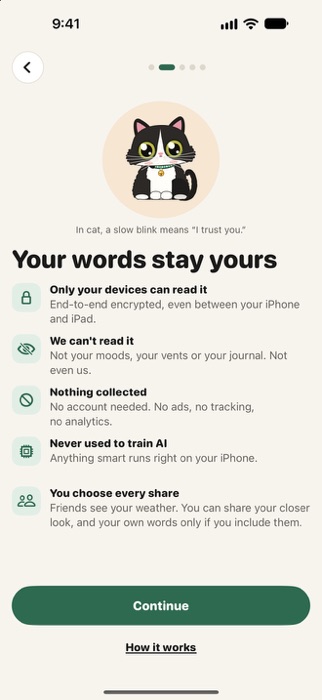
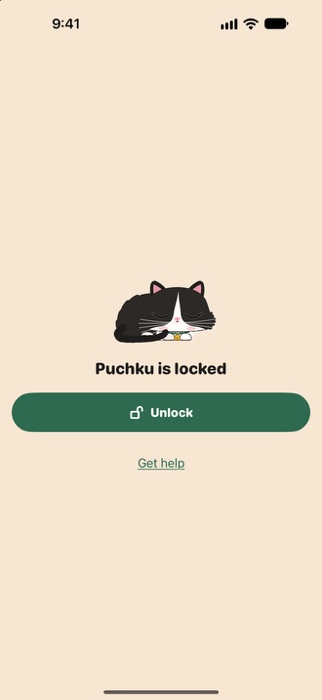
- Only your devices can read it. End-to-end encrypted, even between your iPhone, iPad and Mac.
- We can't read it. Not your moods, your vents or your journal.
- Nothing collected. No account needed. No ads, no tracking, no analytics.
- Never used to train AI. Anything smart runs right on your device. Puchku never sends your words to any AI company.
- You choose every share.
Puchku locks with Face ID or Touch ID, and your journal stays protected by your device's Secure Enclave.
Why Puchku
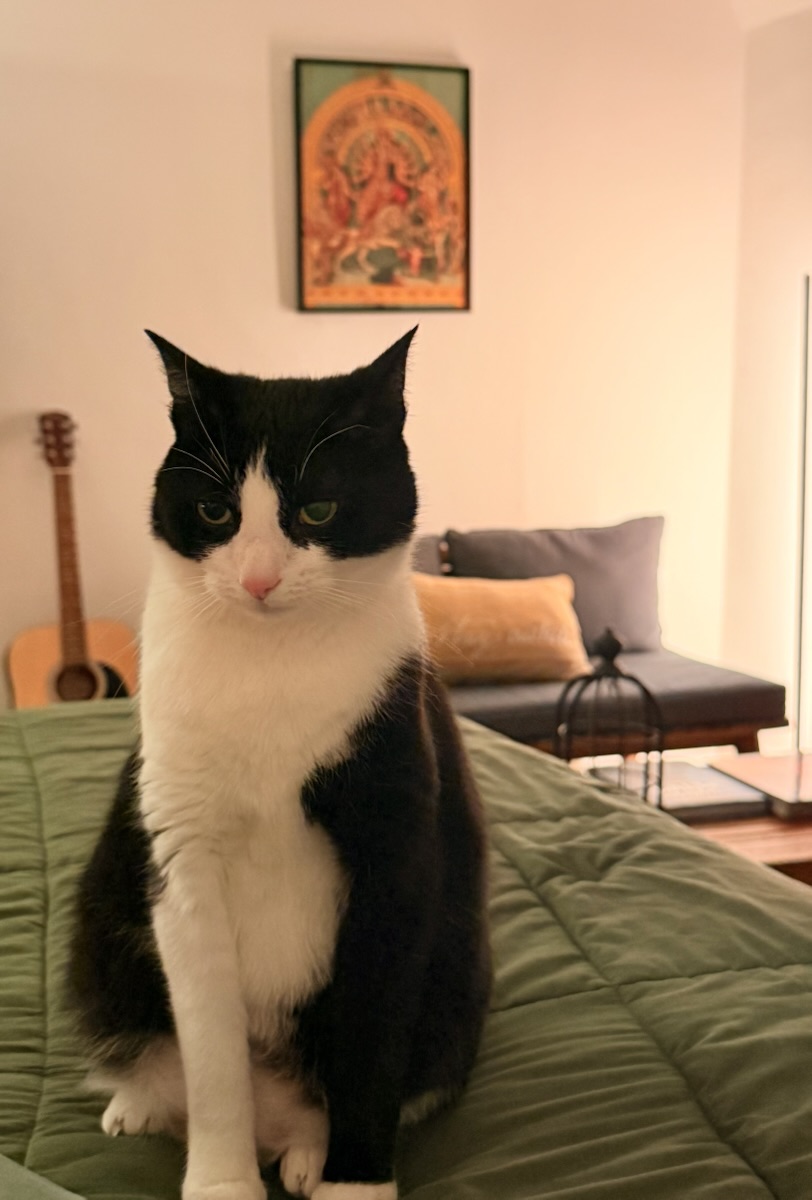
Puchku is a real tuxedo cat. When I moved to the US, I was alone, far from family and without friends. On the hardest days, his face was the reason I kept going.
“Puchku” means “cute” in Bengali. This app is my way of giving everyone that kind of company: not an assistant, a pet who stays by your side and listens, no matter what.
Arpan Ghoshal, who made Puchku
Gentle by design
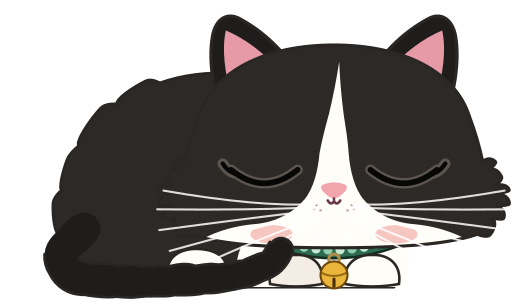
No streaks, no scores, nothing to keep up with.
Puchku isn't a medical or crisis service. If you're struggling, Get help is always in Me, with helplines for where you are.
Free
Everything in Puchku is free. No subscription, nothing to buy.